
2. You must select the display language for the tool; this value can be changed later from the account settings options:

3. In the next step, you must select the country, time zone, and currency in which the ad costs will be displayed. This point is important because once the selected options are saved, they cannot be changed in the future.
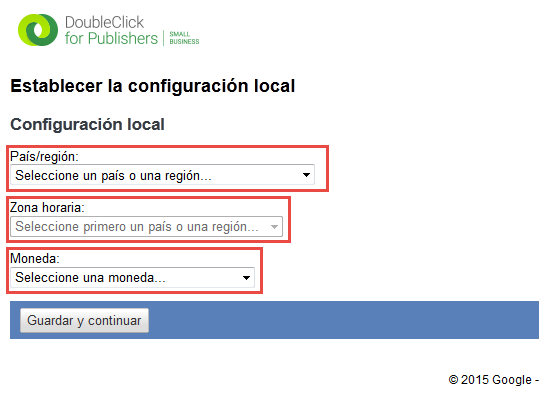
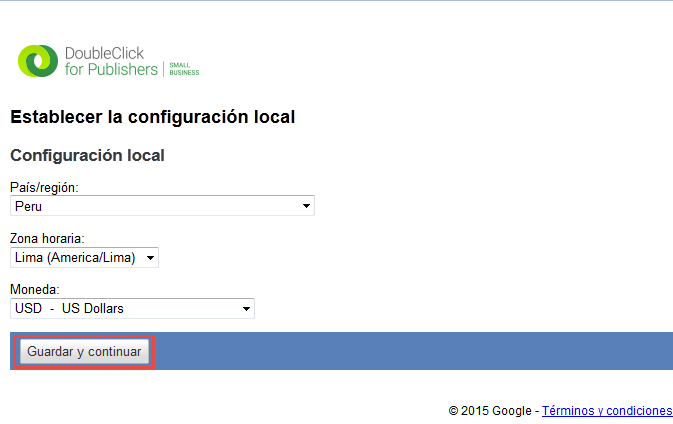
4. Next, you must confirm the selected options and accept the tool’s terms of use if you wish to continue:

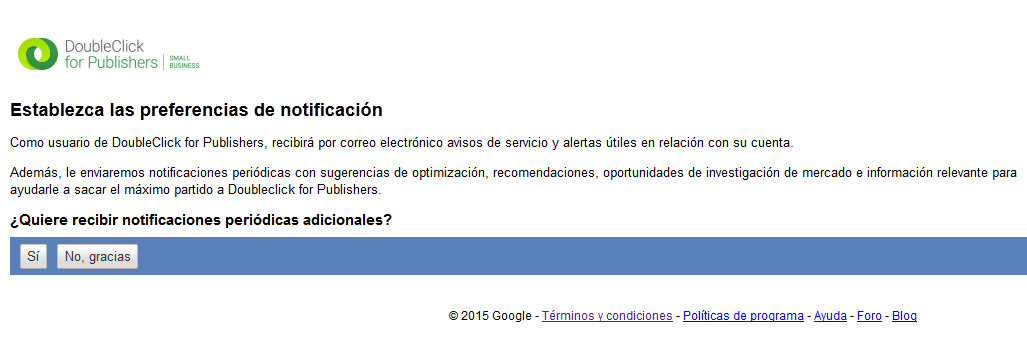
5. Finally, you must confirm if you wish to receive notifications from the account:
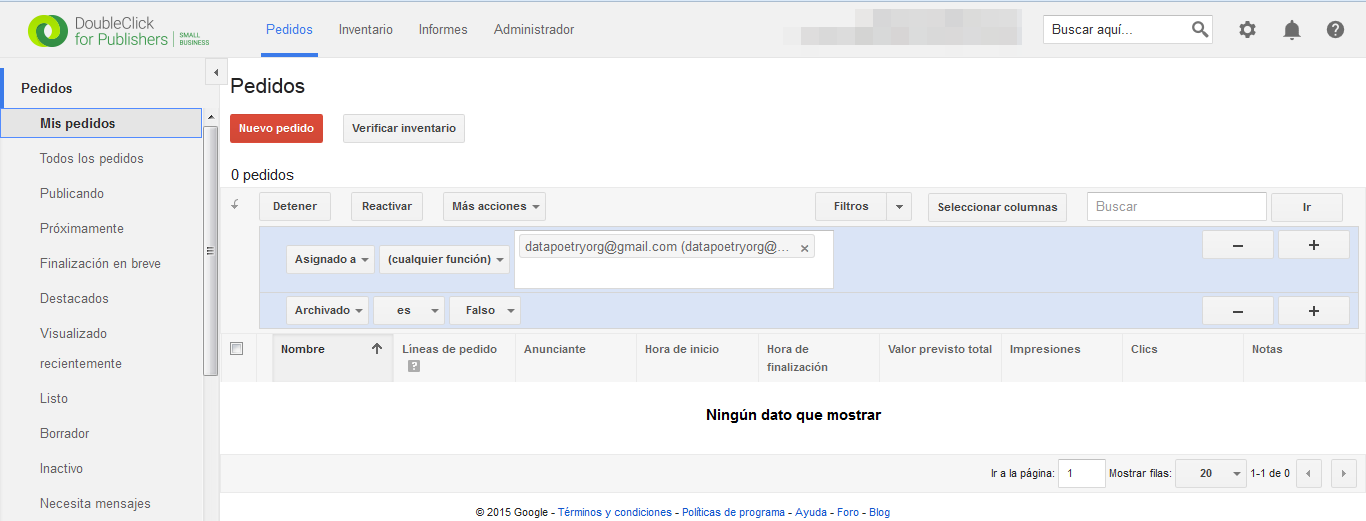
6. After completing the necessary settings, you can start using the tool:
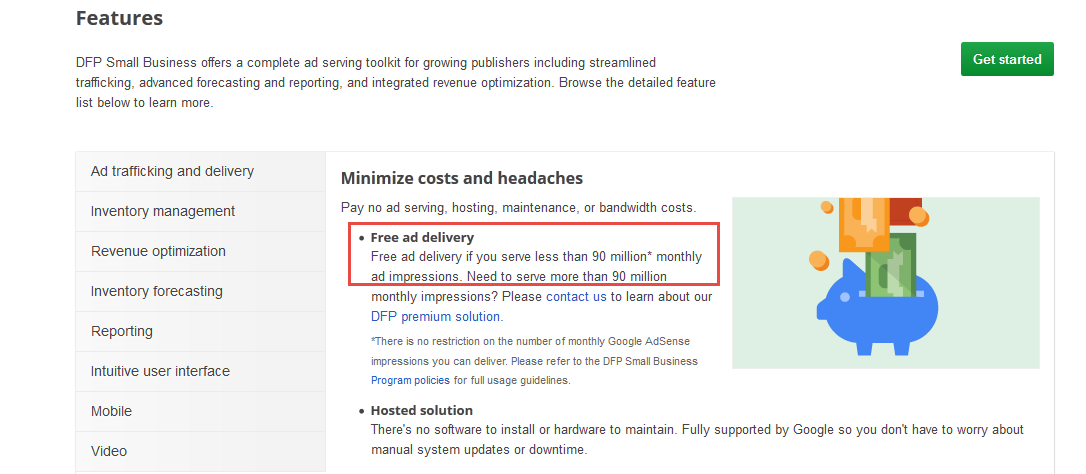
In the next post, we’ll review the tool’s general concepts and configure your first order. If you’d like to see all the features of DoubleClick for Publishers Small Business, you can find them on the tool’s main page.
Leave a Reply